Guided credential connection
Designed to keep the experience focused and operationally useful.

Connect supported TaxiApps booking, voice and mobile products with iCabbi so operational data can move through one focused ecosystem.
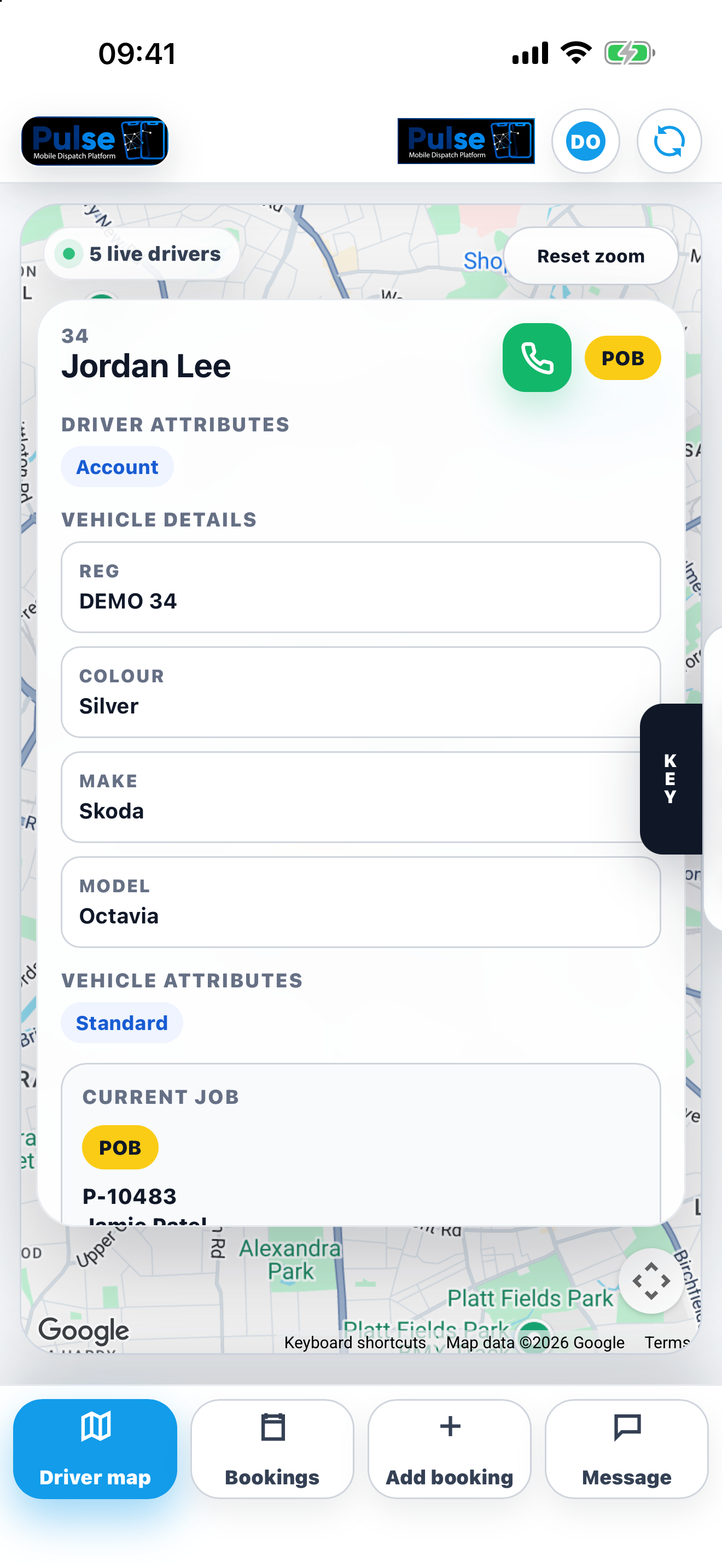
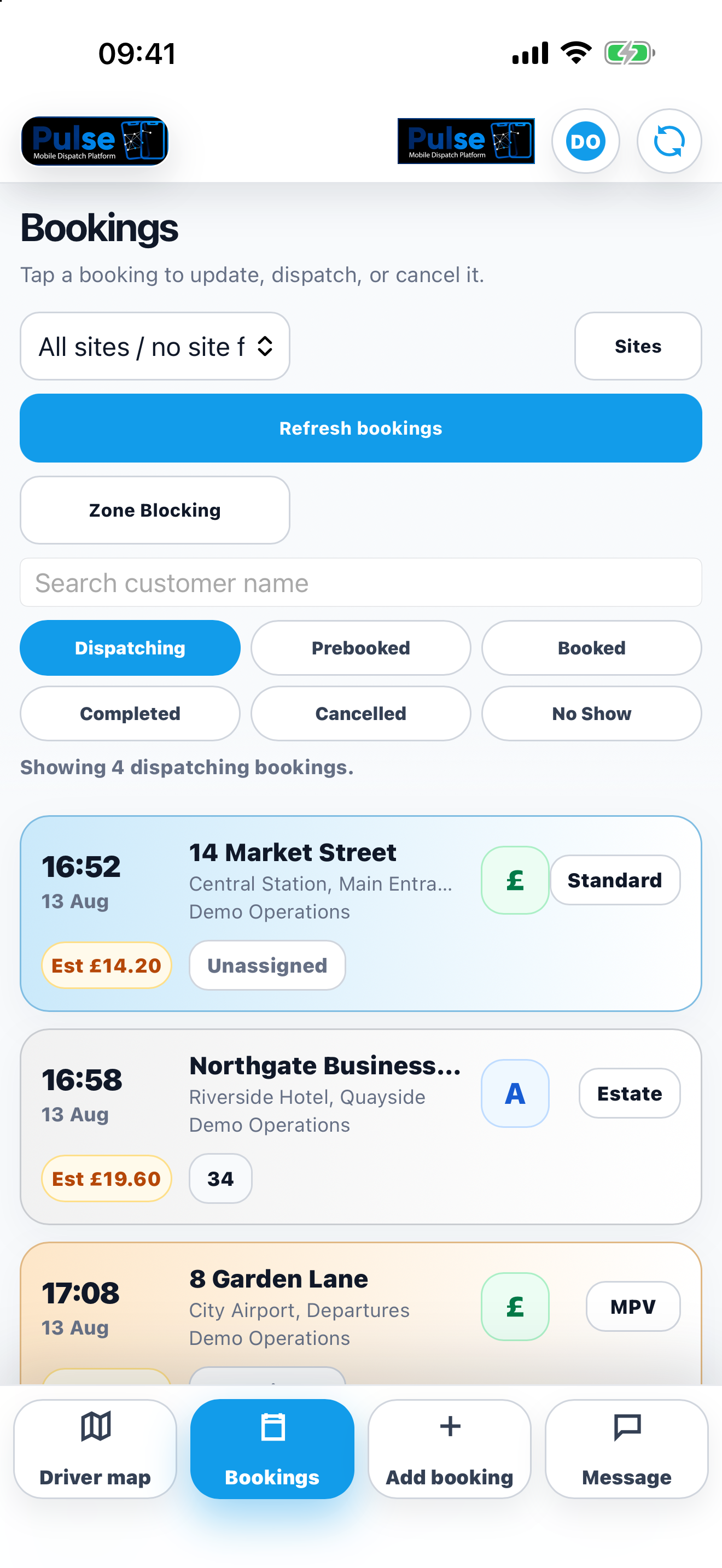
Connect supported TaxiApps booking, voice and mobile products with iCabbi so operational data can move through one focused ecosystem.
Designed to keep the experience focused and operationally useful.
Designed to keep the experience focused and operationally useful.
Designed to keep the experience focused and operationally useful.
Designed to keep the experience focused and operationally useful.
Talk to TaxiApps about this use case and the products that support it.